DEIPTV Review & Setup Guide (2026): Everything You Need to Know
Finding a lightweight, responsive streaming client is essential for uninterrupted live sports, global news, and 4K on-demand movies. Among the popular media tools and IPTV apps in the streaming community, DEIPTV has emerged as a streamlined, user-friendly player designed for high performance and clean navigation.
In this guide, we break down what DEIPTV offers, evaluate its features against competing media engines, provide step-by-step installation guides for Firestick and Android devices, and show you how to pair it with a reliable USA IPTV Stream Free Trial to eliminate buffering.
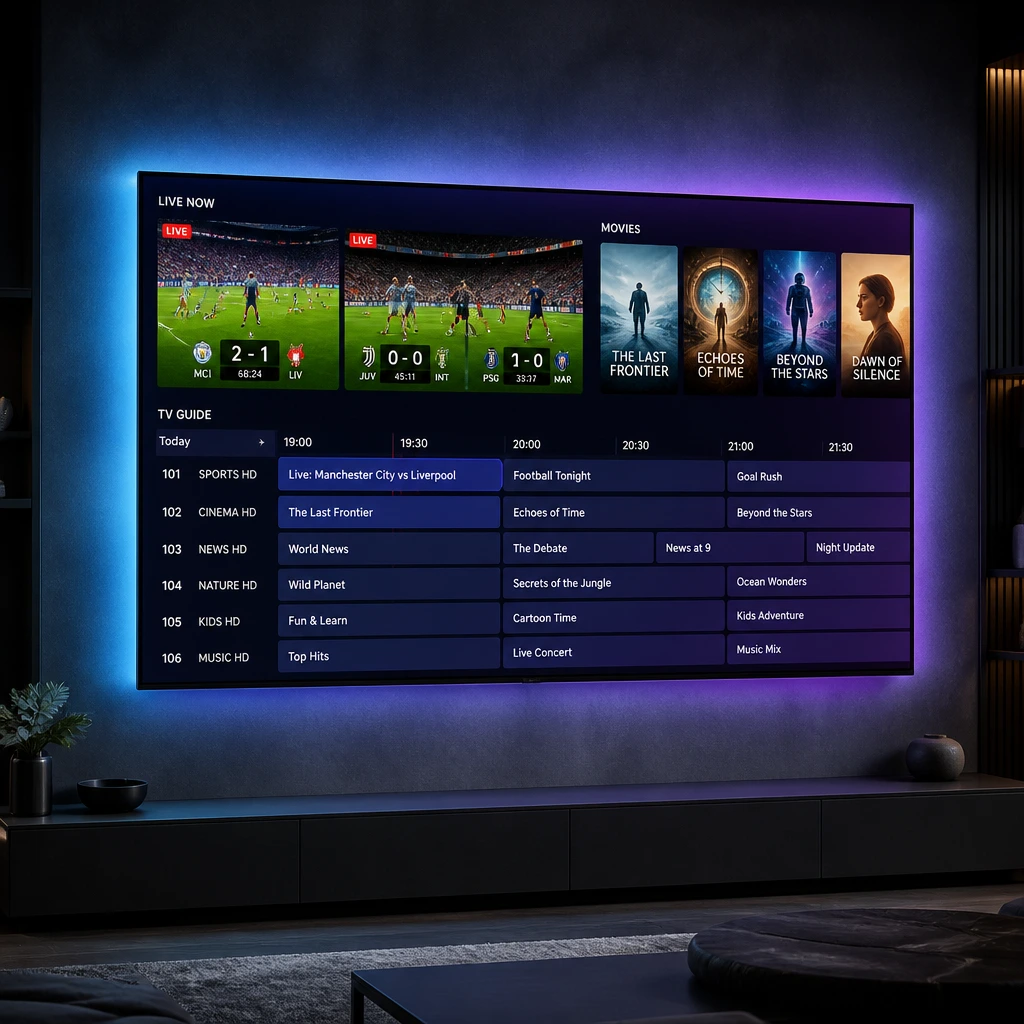
What is DEIPTV?
DEIPTV is a dedicated IPTV player and media manager built primarily for Android, Fire OS, and smart streaming hardware. Designed with an emphasis on low resource consumption, DEIPTV allows users to import and organize their live TV streams, movies, and TV series playlists via standard connection protocols like Xtream Codes API and M3U URLs.
Core Highlights of DEIPTV:
- ExoPlayer Playback Engine: Low latency channel transitions with hardware decoding support.
- Smart EPG Guide: XMLTV and JTV program schedules with automatic timeline refreshing.
- Picture-in-Picture (PiP) Mode: Multi-tasking support for Android and mobile devices.
- Organized VOD Section: Categorized movie and series browsing with poster art and subtitle management.
DEIPTV Features & Performance Overview
| Feature | DEIPTV Capability | Practical Benefit |
|---|---|---|
| Playlist Protocol | Xtream Codes API & M3U8 | Instant synchronization with fast database caching |
| EPG Integration | Grid & Timeline Electronic Guide | Easy tracking of upcoming live games and shows |
| Multi-Screen & PiP | Split view & PiP window support | Monitor live sports while browsing other channels |
| Audio/Subtitles | Dual-audio track & external SRT support | Stream global content in your native language |
To get the full benefit of DEIPTV’s 4K video rendering, pairing the player with a dedicated IPTV Subscription Plan guarantees access to 20,000+ live channels and 86,000+ movies backed by anti-freeze server technology.
How to Download & Install DEIPTV on Amazon Firestick
Because DEIPTV is often distributed directly via APK or third-party repositories, sideloading through the Downloader app is the most reliable installation route.
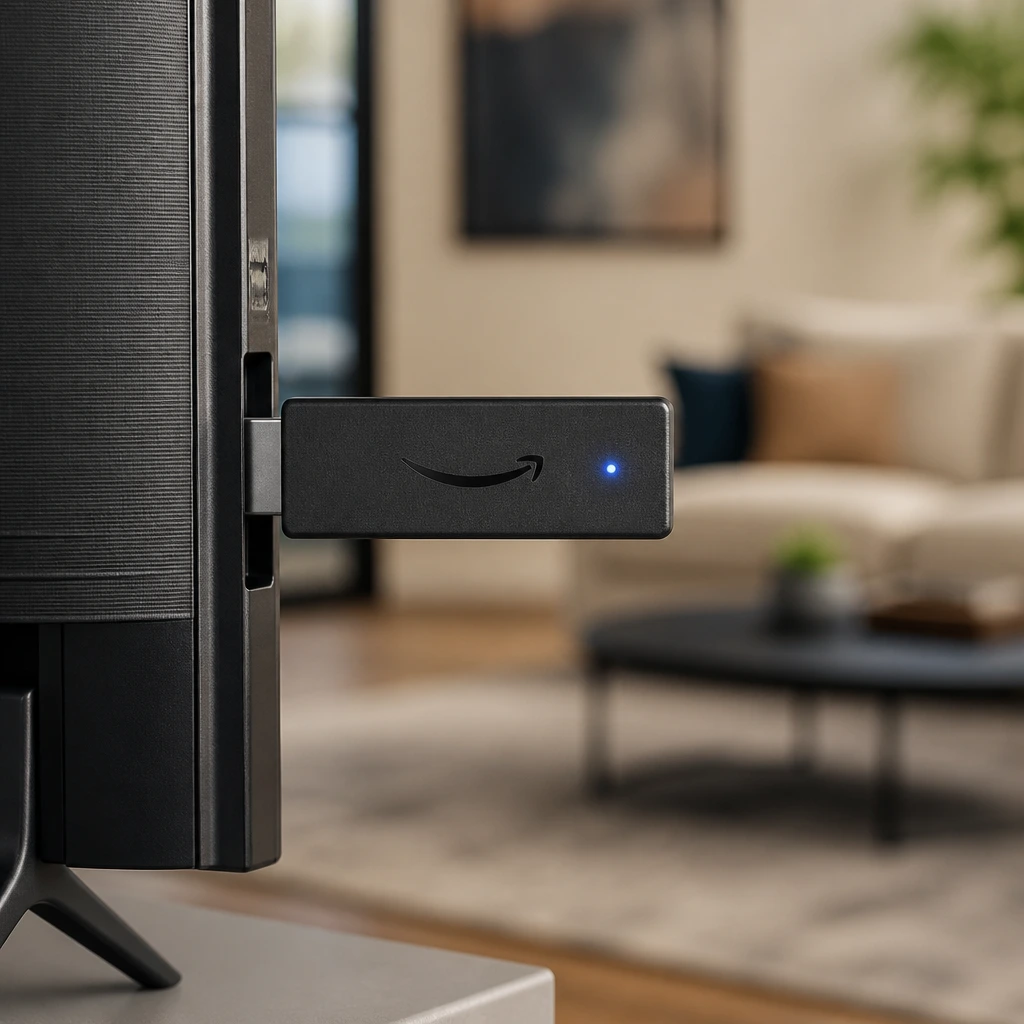
Step 1: Enable Developer Options
- Go to Settings > My Fire TV on your Firestick.
- Select Developer Options.
- Turn Apps from Unknown Sources to ON (or toggle Install Unknown Apps to Allow for Downloader).
Note: If Developer Options is hidden, select Settings > My Fire TV > About, and click your device name 7 times rapidly.
Step 2: Download & Install DEIPTV APK
- Open the Downloader utility from your applications list.
- Enter the direct download link or numerical short code for the DEIPTV APK.
- Click Go to download the installation package.
- When prompted, select Install, then click Done.
- Select Delete on the downloaded file to free up internal flash storage.
How to Configure DEIPTV with Your Stream Service
Connecting your server credentials in DEIPTV takes under two minutes:
- Open DEIPTV from your home screen.
- Choose Login with Xtream Codes API (recommended over M3U for faster EPG loading).
- Fill in your subscription credentials:
- Profile Name:
USA IPTV Stream - Username:
Your_Assigned_Username - Password:
Your_Assigned_Password - Server URL / Port:
http://your-server-domain:port
- Profile Name:
- Click Connect / Sign In to populate your live categories, sports channels, and VOD library.
Need help with setup? Check out our 24/7 Setup Guides & Support for immediate configuration assistance across all devices.
Optimizing DEIPTV to Prevent Buffering & Freezing
To guarantee smooth, continuous playback on 4K and FHD channels, follow these practical network optimizations:
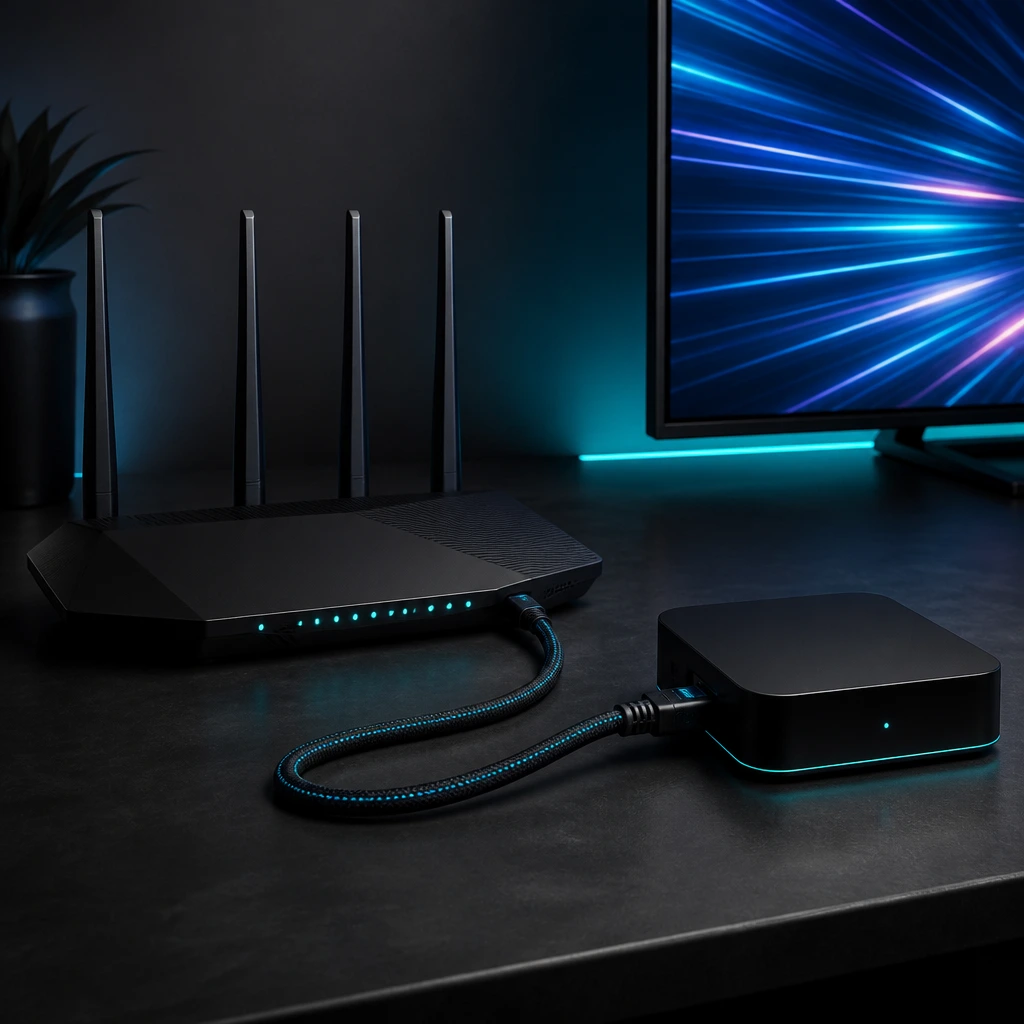
- Verify Connection Speed: Maintain a steady minimum of 25 Mbps for 4K UHD and 10 Mbps for HD. You can verify your connection in real-time on Speedtest by Ookla.
- Prioritize 5 GHz Wi-Fi or Wired LAN: 2.4 GHz frequencies are vulnerable to signal congestion. Use 5 GHz or a direct Ethernet connection for reliable packet delivery.
- Switch Between Hardware & Software Decoders: If a specific channel audio or video stutters, open DEIPTV Settings and toggle between HW Decoder and SW Decoder.
- Regularly Clear Application Cache: Clearing old cache files inside Firestick settings keeps DEIPTV snappy and prevents memory leaks during long viewing sessions.
DEIPTV Pros and Cons
Pros
- Clean, uncluttered UI tailored for remote control navigation.
- Fast stream startup and responsive channel zapping.
- Built-in support for multiple playlists and user profiles.
Cons
- Requires manual sideloading on Fire OS and selected smart TVs.
- Does not include built-in streams (requires an external premium subscription).
Frequently Asked Questions (FAQ)
Is DEIPTV a free application?
Yes, DEIPTV is generally a free-to-use player. It does not provide any built-in content, meaning you need an active IPTV playlist or Xtream Codes subscription to stream channels.
Can I install DEIPTV on Samsung or LG Smart TVs?
DEIPTV is primarily optimized for Android and Fire OS. For Samsung (Tizen) or LG (webOS), alternative apps such as IPTV Smarters Pro, IBO Player, or Smart STB provide better native compatibility.
Why is my channel loading slowly on DEIPTV?
Slow load times are typically caused by ISP bandwidth throttling or weak Wi-Fi signals. Switching stream protocols from HLS to MPEG-TS inside DEIPTV or using a wired Ethernet adapter will resolve most issues.
Final Verdict
DEIPTV offers a fast, reliable, and user-friendly platform for watching live channels and movies on Firestick and Android devices. To experience zero buffering, crystal-clear 4K sports, and thousands of international channels, pair your app with a robust server setup.
Ready to start streaming? Get your 24-Hour Free Trial now and experience premium 4K IPTV in minutes.